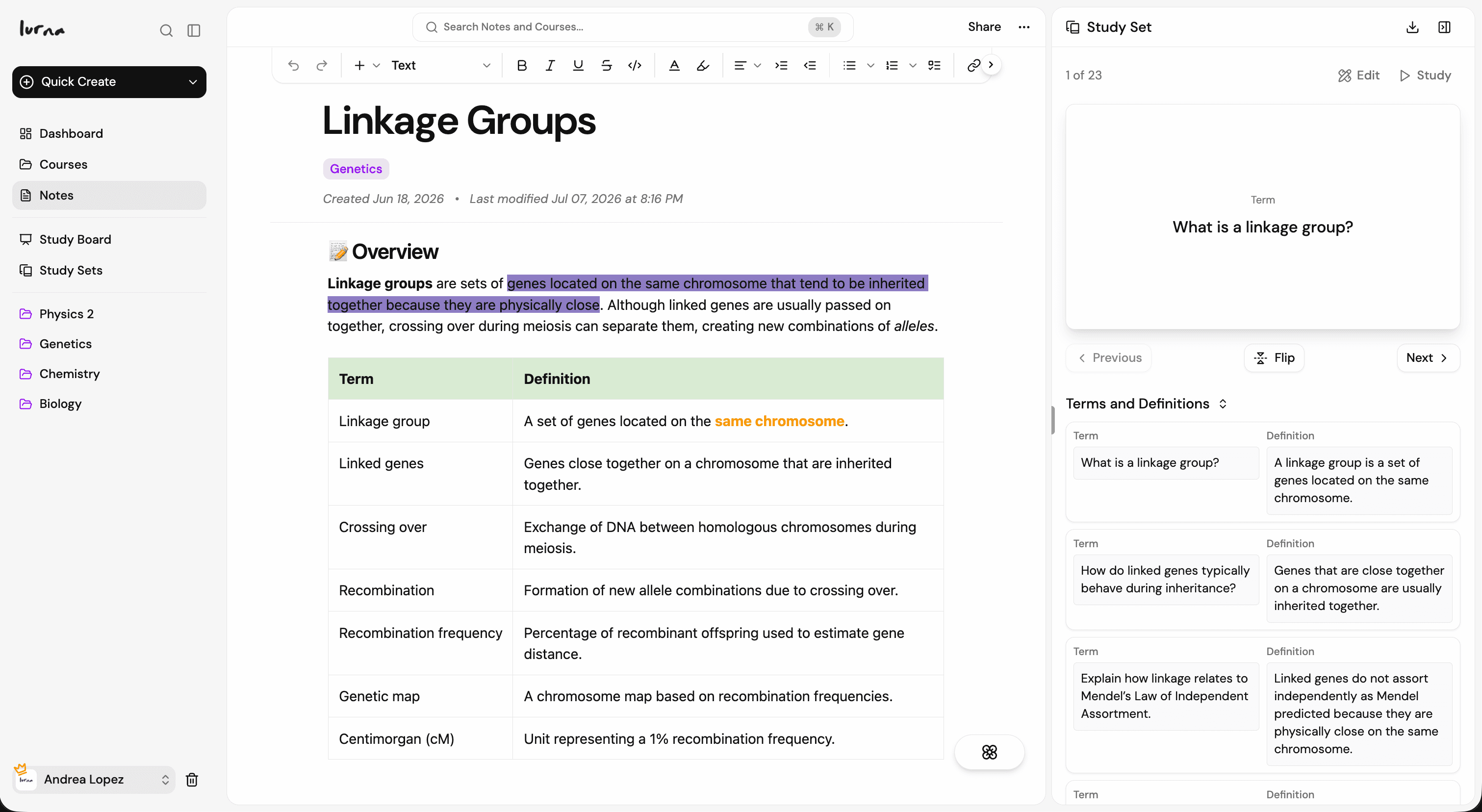
- Product
- Pricing
- Lurna Weekly
- Lurna iPad




Use Lurna inside ChatGPT or Claude. Follow step-by-step guides to connect your workspace via MCP.
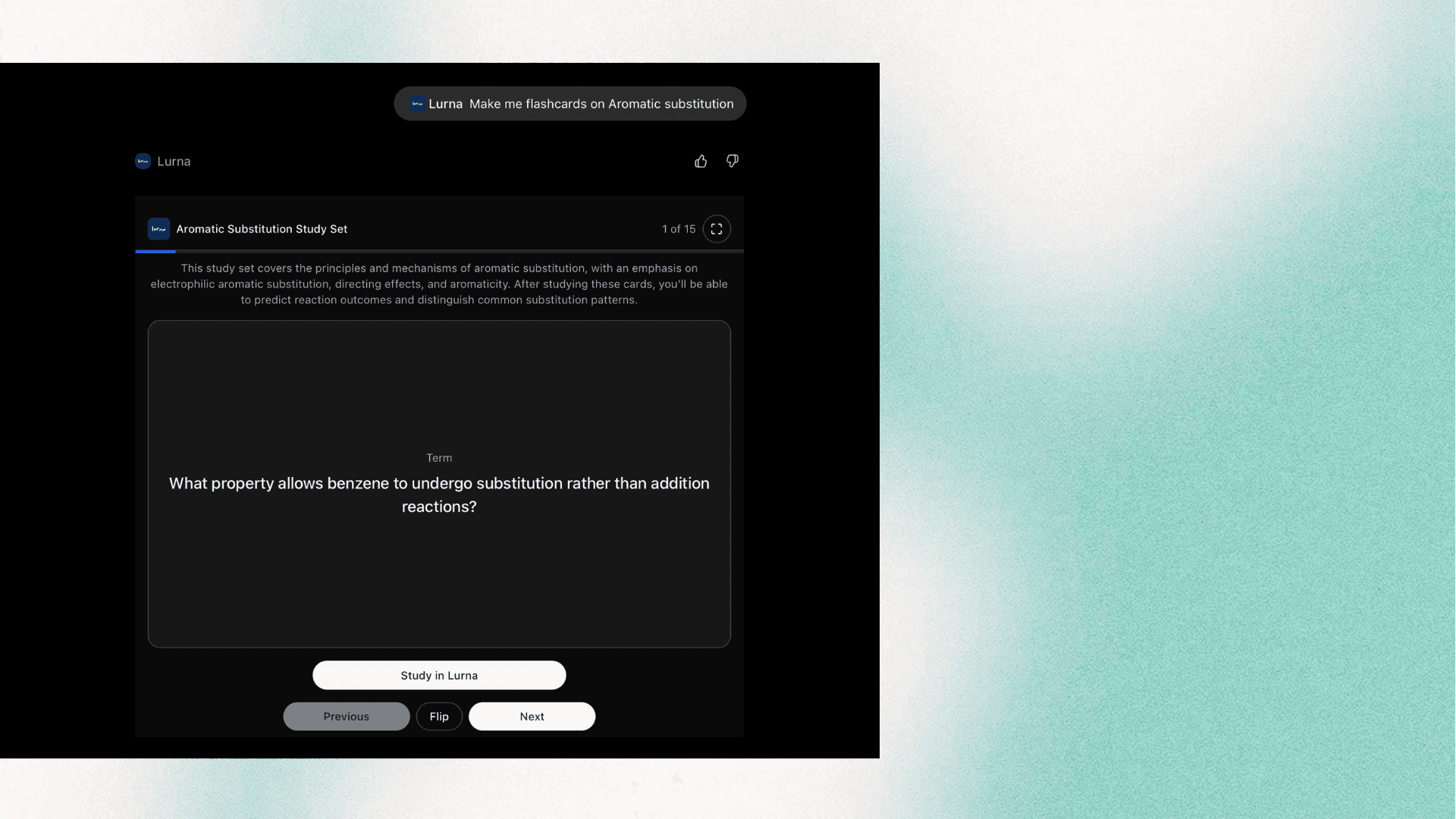
Turn a subject you’re studying into an interactive flashcard deck you can review in chat, then export to Lurna to study and track your progress
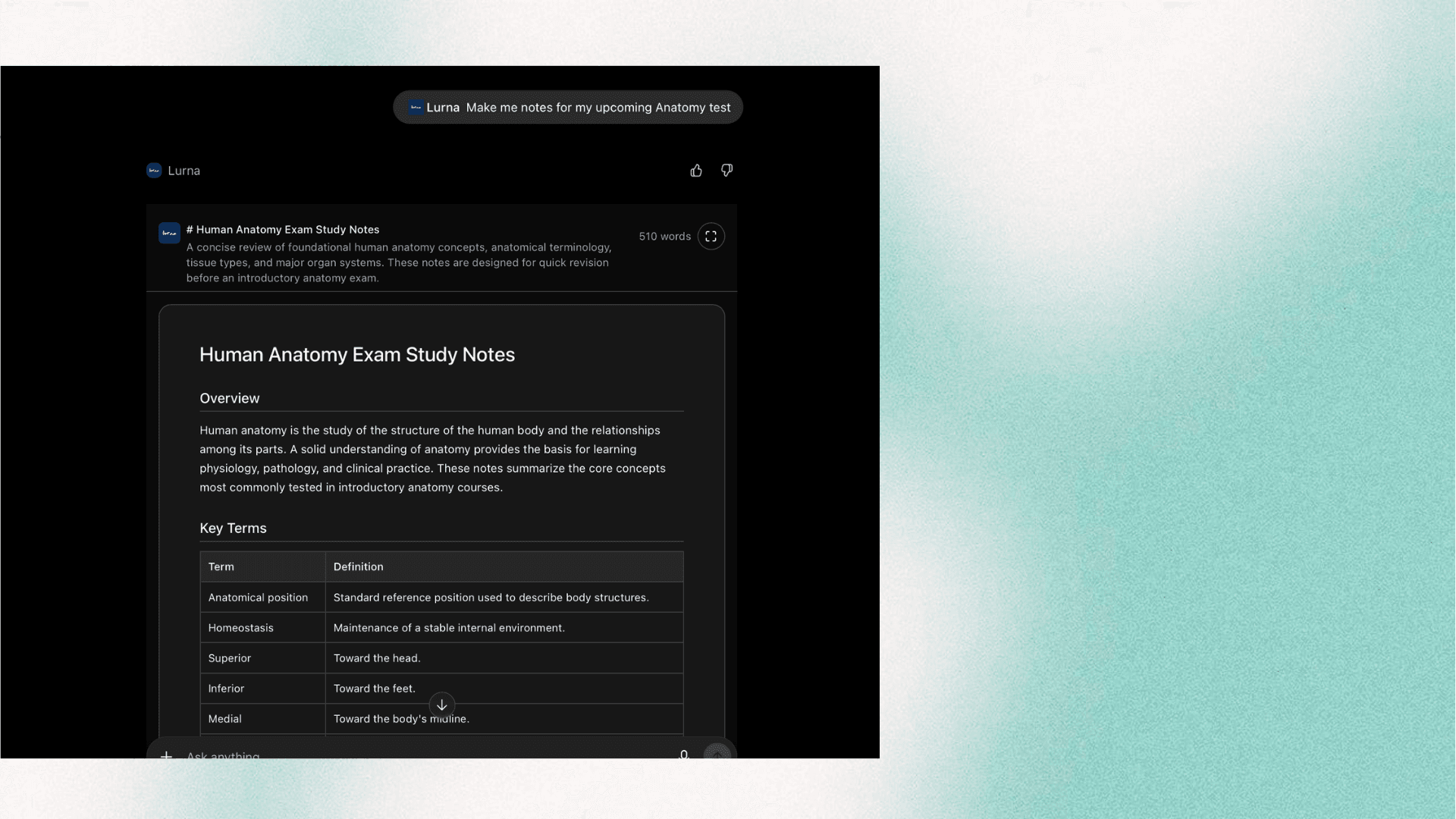
After discussing a complex topic, turn the explanation into structured, readable study notes with headings, tables, and summaries
Try these once you've connected Lurna to ChatGPT or Claude
Click an example to copy the prompt to your clipboard
Make flashcards & notes in ChatGPT or Claude

Bring Lurna to your browser